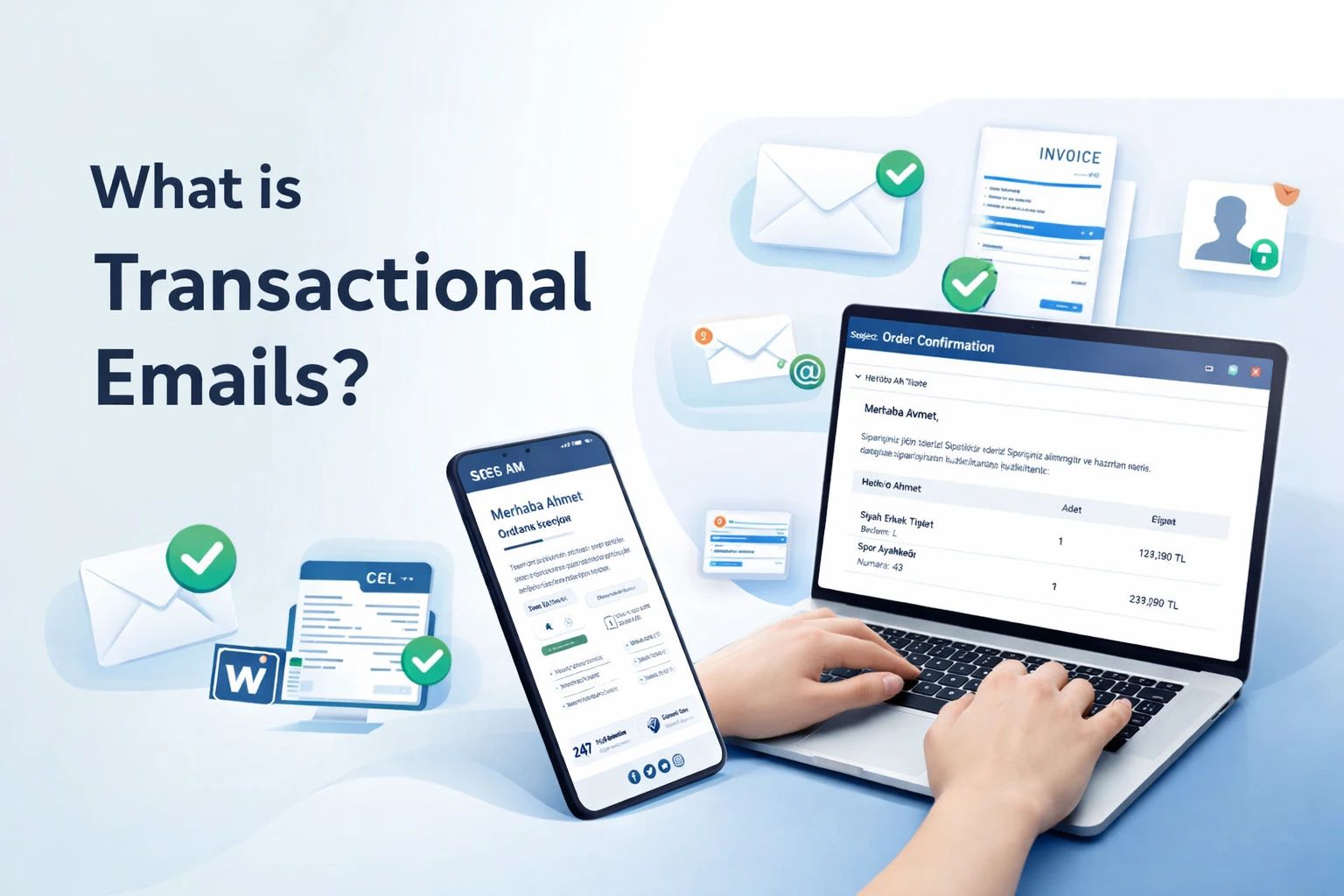
1. What is Transactional Email? (The High-Stakes Definition)
A transactional email is a functional, automated message triggered by a specific user action. Unlike marketing emails, which are sent in bulk to a list, transactional emails are sent 1-to-1.
Most Searched Transactional Email Examples:
- Order Confirmation: The digital receipt that confirms a purchase.
- Password Reset: The high-urgency link that recovers account access.
- OTP (One-Time Password): The critical 2FA code for secure logins.
- Shipping Notification: The real-time update on a package's journey.
- Account Alerts: Security notifications about new device logins.
With useinbox.com, these aren't just automated pings—they are high-performance touchpoints designed to land in the inbox within milliseconds.
2. SMTP Relay vs. Email API: Which One Do You Need?
This is one of the most searched technical questions in the industry. The choice depends on your stack and your speed requirements.
SMTP Relay
The SMTP (Simple Mail Transfer Protocol) relay is the "universal plug." If you are using a CMS like WordPress, a CRM, or standard business software, an SMTP relay is the easiest way to send transactional mail without writing custom code.
Best for: Standard integrations and non-developers.
useinbox.com Advantage: Our SMTP relay is globally distributed, ensuring your "Order Confirmation" doesn't get throttled by your web host's limited mail server.
Transactional Email API
An Email API is the developer's choice. It allows for deep integration into your application's backend. APIs are generally faster, more secure, and allow for better data handling than traditional SMTP.
Best for: High-volume senders, mobile apps, and SaaS platforms.
useinbox.com Advantage: Our RESTful API is built for low-latency delivery of OTPs and critical alerts where every second of delay costs you a user.
3. The Holy Grail: Transactional Email Deliverability
In the current landscape, "Sending" does not mean "Delivering." ISP filters are more aggressive than ever. To ensure your transactional messages stay out of the spam folder, you need a multi-layered deliverability strategy.
Authentication is Non-Negotiable
If your emails aren't signed, they are suspicious. useinbox.com automates the setup of the "Big Three" authentication protocols:
- SPF (Sender Policy Framework): Proves you have permission to send from your domain.
- DKIM (DomainKeys Identified Mail): Adds a digital signature to prove the email wasn't tampered with.
- DMARC (Domain-based Message Authentication, Reporting, and Conformance): Tells ISPs how to handle mail that fails SPF or DKIM.
IP Reputation Management
Transactional emails should never share an IP with marketing blasts. If a "50% Off" newsletter gets flagged as spam, it shouldn't take your "Password Reset" down with it. useinbox.com provides separate infrastructure for transactional flows to protect your most critical sender reputation.
4. Best Practices for High-Conversion Transactional Design
Stop sending boring, plain-text receipts. Use the 80/20 rule: 80% of the email should fulfill the transaction, and 20% can be used to drive further engagement.
Design Checklist for UseInbox.com Users:
- The 3-Second Rule: The user should find the core info (Order #, Code, or Link) within 3 seconds of opening.
- Mobile-First Layouts: 70% of transactional opens happen on mobile. Use single-column designs.
- Dark Mode Optimization: Ensure your logos and buttons don't disappear when the user flips the "Dark Mode" switch.
- Ditch the "No-Reply": Use a real address. If a user has a question about an invoice, let them reply. It builds massive trust.
5. Turning "Operational" into "Opportunity"
Why let an Order Confirmation be a dead end?
Using useinbox.com, you can dynamically inject "Next-Step" content into your transactional templates.
- Post-Purchase: Show "You might also like..." based on their current order.
- Welcome Email: Instead of just "You're in," provide a "3-step quick start" guide to reduce churn.
- Shipping Update: Include a link to your community forum or a video tutorial for the arriving product.
6. Real-Time Analytics and Webhooks
You can't fix what you can't measure. In the world of transactional mail, you need to know more than just "Open Rates."
useinbox.com provides granular event tracking via Webhooks. This means your system can "listen" for:
- Delivery: Did the ISP accept the message?
- Bounce: Why did it fail? (Invalid email, full inbox, or block?)
- Click: Did they actually hit the "Verify" button?
This data allows you to trigger automated fail-safes. If a "Password Reset" bounces, your app can immediately prompt the user for an alternative contact method.
7. Security and Compliance (GDPR & Beyond)
Transactional emails often contain Sensitive Personally Identifiable Information (PII). In the current regulatory environment, you can't afford a data leak.
useinbox.com ensures:
- End-to-End Encryption: Using TLS for every message in transit.
- Data Residency: Options to store and process data in compliant regions.
- Minimal Data Retention: We only keep what is necessary for delivery and debugging, keeping your liability low.
Conclusion: Why Your Business Needs UseInbox.com
The difference between a "good" business and a "great" one often comes down to the details. A transactional email is the most frequent, high-intent touchpoint you have with your customers.
Don't leave it to a generic mail server. Use useinbox.com to ensure your messages are fast, secure, and delivered.
Key Takeaways:
- Use an Email API for speed; use SMTP for ease.
- Prioritize authentication (SPF/DKIM/DMARC) to stay out of spam.
- Optimize for Dark Mode and mobile users.
- Use useinbox.com to monitor real-time delivery performance.