Step 1
Open UseINBOX connector
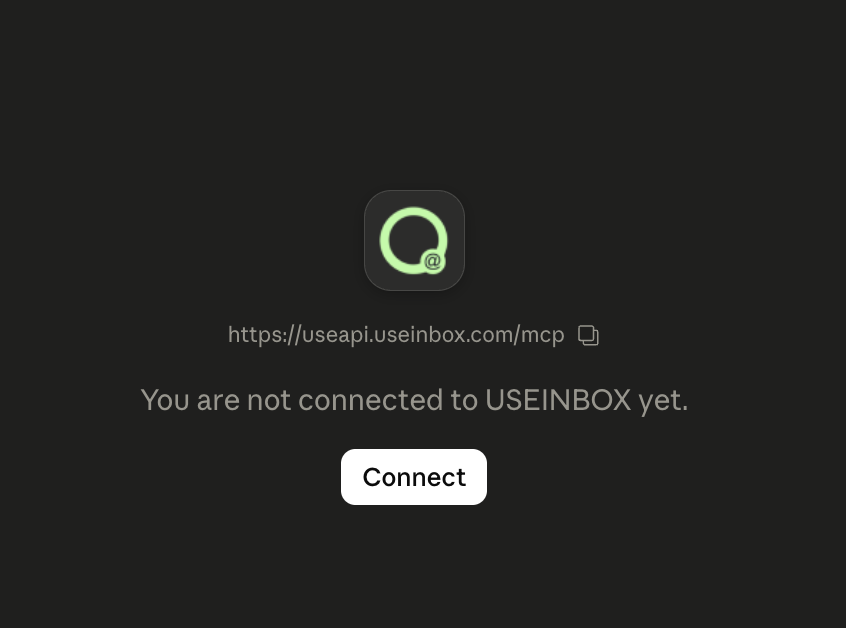
In Claude, open Connectors, select USEINBOX, and click Connect to start the authorization flow.
Connecting platform data to AI assistants. Standardize your email marketing data for intelligent insights and automated actions.
Your AI assistant can analyze campaigns and create content based on real-time data in UseINBOX. Connect our Model Context Protocol (MCP) server with your AI tool and you're ready to go.
Get reports and optimization ideas based on real-time data without tedious manual exports or dashboard hopping.
Ask Claude or other AI tools to draft campaigns, build segments, and analyze performance — all in plain language.
No downloads, no code, and no API keys required. Paste the MCP URL, authorize, and start prompting.
See how your AI assistant can save time, uncover opportunities, and maximize your email list potential.
"Turn my latest blog post into a newsletter draft and suggest a subject line based on my top-performing campaigns."
"2,500 subscribers haven't opened an email in 9 months. Draft a re-engagement campaign and suggest a segment for them."
"Identify subscribers who frequently open and click — then suggest a segment for a review request or early-access offer."
"What are my top 3 newsletters from last quarter, and what do they have in common in subject lines and send times?"
Connect your AI tool in three simple steps — no technical setup required.
UseINBOX provides a secure MCP endpoint — the bridge between your AI and your account.
Paste the URL into Claude, Cursor, or any MCP-compatible assistant as a custom connector.
Once connected and authorized, your AI can analyze data and help execute tasks within UseINBOX.
Connect UseINBOX in Claude in two quick steps.
In Claude, open Connectors, select USEINBOX, and click Connect to start the authorization flow.
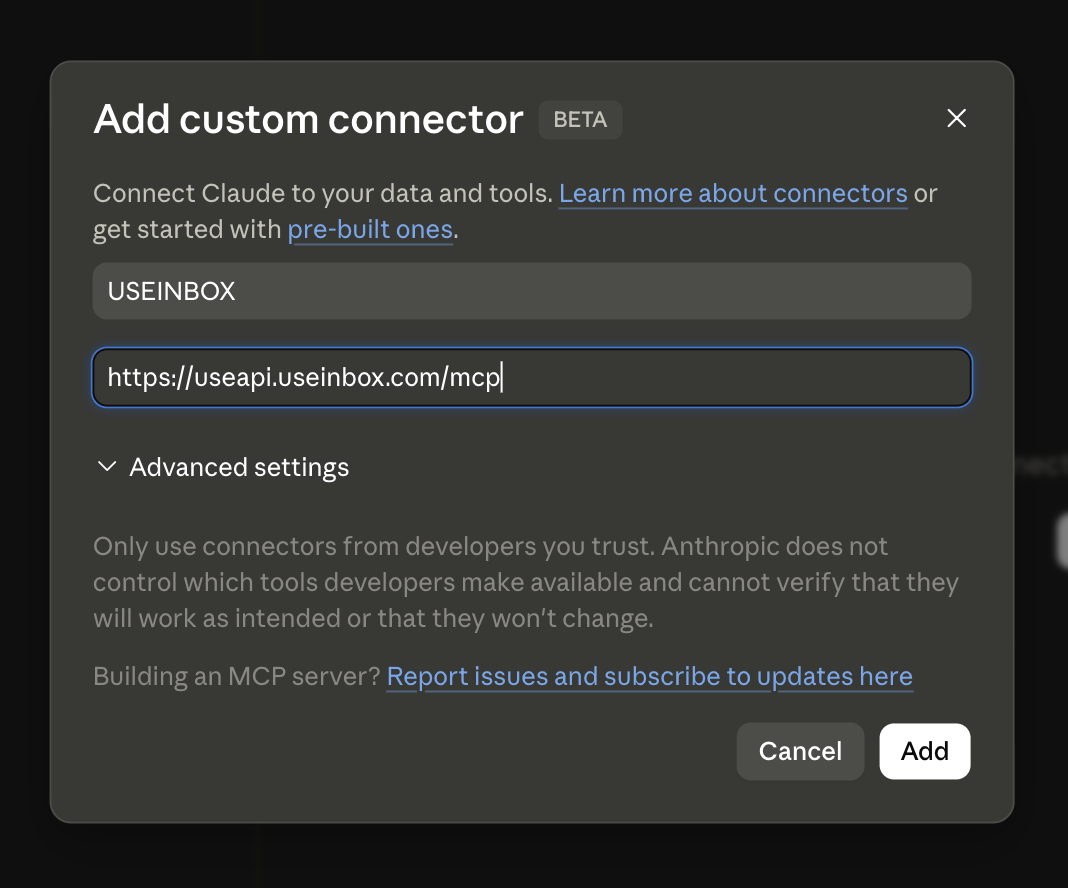
In the Add custom connector modal, set name to USEINBOX, paste https://useapi.useinbox.com/mcp, then click Add.
Everything you need to know about UseINBOX MCP.
MCP (Model Context Protocol) is a standardized way for AI assistants to communicate with external services like UseINBOX. Instead of custom integrations, UseINBOX exposes its capabilities as standard "tools" that any MCP-compatible AI can discover and use automatically.
No. UseINBOX MCP is cloud-based — we handle the technical complexity. Connecting is typically a simple copy-paste and authorize process in your AI tool's settings.
The MCP server at https://useapi.useinbox.com/mcp acts as a secure bridge between your AI tool and your UseINBOX account. It translates standard commands from your AI into actions within UseINBOX — such as analyzing campaigns, reviewing audience data, or helping draft content.
By authorizing a connection, you grant your chosen AI permission to access data needed for your requests. This may include:
You remain in control of the connection and can revoke access at any time.
As the data controller for your subscribers, you are responsible for your choice, configuration, and use of any AI agent connected via MCP, including compliance with GDPR, KVKK, CASL, and other applicable regulations. UseINBOX provides secure infrastructure; you decide when and how to connect third-party AI tools.
Marketers, business owners, and power users who want to analyze email data and manage tasks faster — without deep-diving into dashboards — or who want to integrate email marketing into AI-assisted workflows.
Offload manual work to your AI assistant and focus on what's next for your business. Connect UseINBOX MCP today.
Start with a free account · No credit card required