Email clients and servers communicate using specific protocols that determine how messages are stored, synchronized, and accessed. One of the most widely used protocols today is IMAP. While configuring an email account, you may come across a setting called IMAP path prefix—a field that can be confusing because it is not always required, and its purpose is rarely explained clearly.
In this guide, we will explain what the IMAP path prefix is, how it works, when you need it, and how to configure it correctly. By the end, you will understand why this small configuration detail can affect how your email folders appear and sync.
If you want to learn more about how email delivery and infrastructure works, you can explore our guide on email delivery infrastructure.
Understanding IMAP Basics
IMAP (Internet Message Access Protocol) is an email protocol that allows users to access and manage emails directly on the mail server instead of downloading them permanently to a device. This means your inbox, folders, and messages stay synchronized across multiple devices.
Key Benefits of IMAP
- If you read an email on your laptop, it will appear as read on your phone
- If you move an email to another folder, the change is reflected everywhere
- Your messages remain stored on the server
For teams managing high-volume email systems and transactional messaging platforms, understanding these protocols is essential. Learn more about transactional email best practices.
What Is the IMAP Path Prefix?
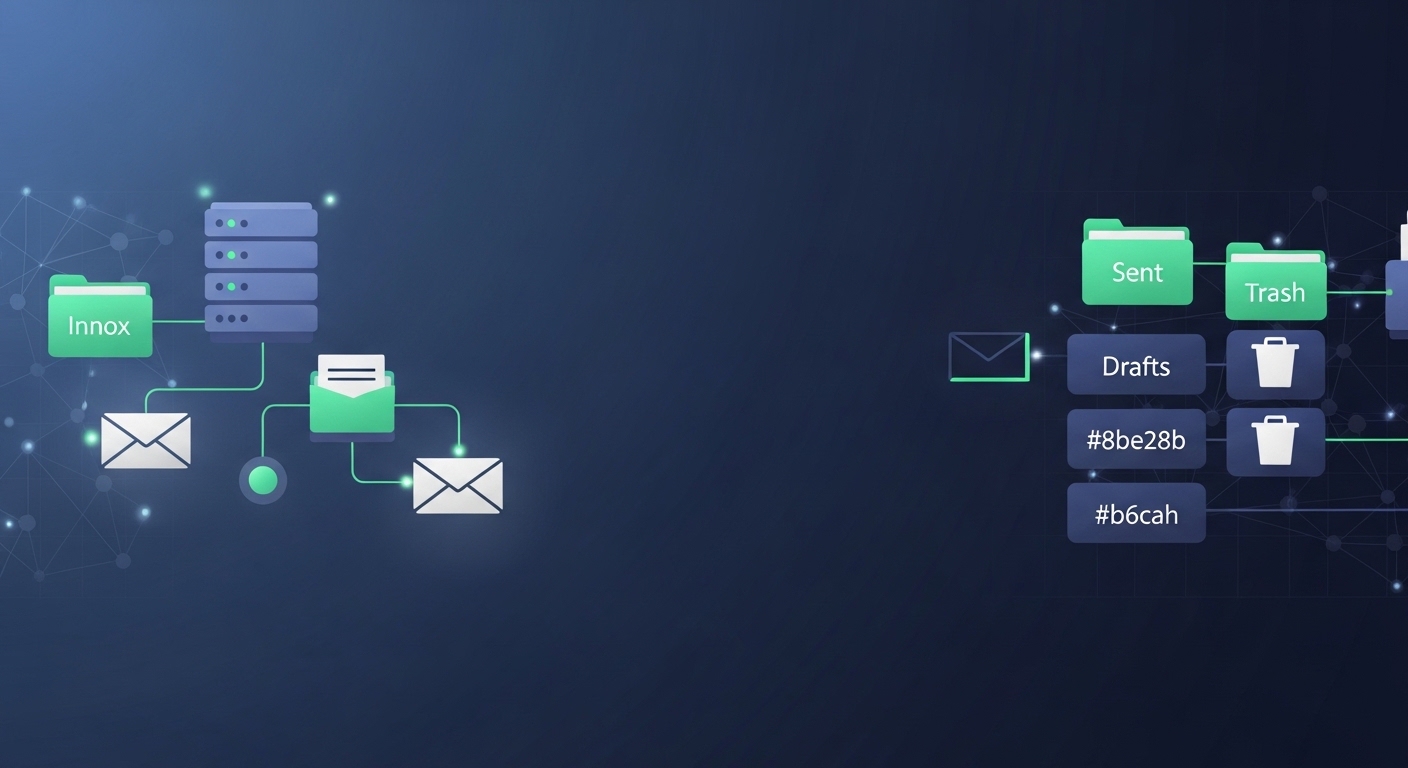
The IMAP path prefix is a configuration setting that tells an email client where the root email folders are located on the mail server. In simple terms, it defines the starting directory where the email client should look for folders like Inbox, Sent, Drafts, and Trash.
Not all servers require a path prefix. However, some email systems store user mailboxes inside a specific folder structure. When that happens, the email client must know the correct path to access those folders.
When You Need to Use an IMAP Path Prefix
Most modern email configurations work automatically and do not require a manual path prefix. However, you may need to configure it in certain situations.
Common Scenarios Requiring Configuration
- Your Email Client Cannot Find Folders — If your inbox loads but other folders such as Sent or Drafts do not appear
- Folder Structure Appears Incorrect — Sometimes email clients display folders like INBOX.Sent, INBOX.Drafts instead of proper hierarchy
- Server Uses Nested Mail Storage — Some mail servers store user mailboxes inside directories such as /Maildir/, /mail/, or /imap/
Common IMAP Path Prefix Values
Different mail servers may use different prefix values depending on how mail storage is structured. Some commonly used values include:
| Prefix | Description |
|---|---|
| INBOX | Folders stored inside the INBOX hierarchy |
| Mail stored inside a “mail” directory | |
| Maildir | Mail stored using the Maildir format |
| (blank) | No prefix required |
How to Configure the IMAP Path Prefix
Most email clients include a field called IMAP Path Prefix, Root Folder Path, or IMAP Root. The configuration process usually looks like this:
- Open your email client settings
- Locate your email account configuration
- Navigate to Advanced IMAP Settings
- Find the field labeled IMAP Path Prefix
- Enter the correct prefix value if required
- Save the settings and reconnect
Understanding these configurations is especially important for businesses sending automated notifications, password resets, receipts, or alerts. Read our guide on scalable transactional messaging for more insights.
Problems Caused by Incorrect Settings
An incorrect path prefix can cause several issues with your email account:
- Missing Folders — Important folders such as Sent or Trash may not appear
- Duplicate Folder Structures — The client may display duplicate folders like INBOX.INBOX, INBOX.Sent
- Synchronization Issues — Emails may not move correctly between folders or sync across devices
- Message Upload Failures — Some email clients cannot upload sent messages to the Sent folder when the prefix is incorrect
Best Practices for IMAP Configuration
To ensure stable email synchronization, consider the following best practices:
- Keep Prefix Empty Unless Required — Most servers do not need a prefix
- Use Standard Folder Names — Folders like Inbox, Sent, Drafts, and Trash should follow standard naming conventions
- Test Across Devices — Check your configuration on multiple devices to ensure proper synchronization
- Monitor Email Server Structure — If you manage your own infrastructure, document the mailbox directory structure clearly
Master Your Email Configuration
Explore More Email GuidesTechnical insights for better email infrastructure